Connect your sales tools through connectors and MCP, set up shared context, and use Claude for prospect research, meeting prep, follow-ups and proposals.
For sales leaders, sales ops and account executives · 15 pages · Free
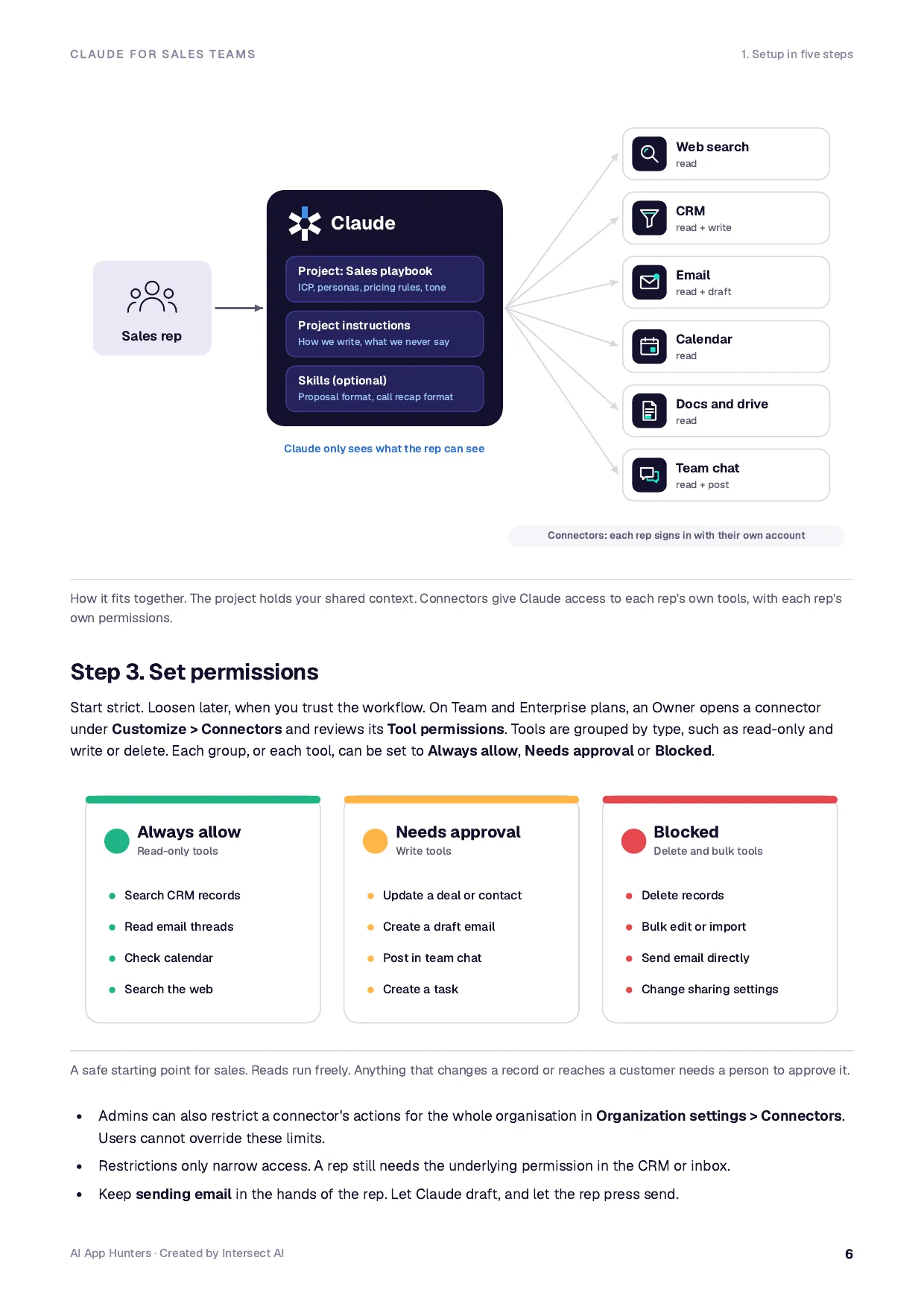
Plan and owner, connectors, permissions, a shared Sales Playbook project and optional skills.
02
Data rules for sales
What reps can share with Claude, what needs care and what never goes in.
03
The 15 prompts
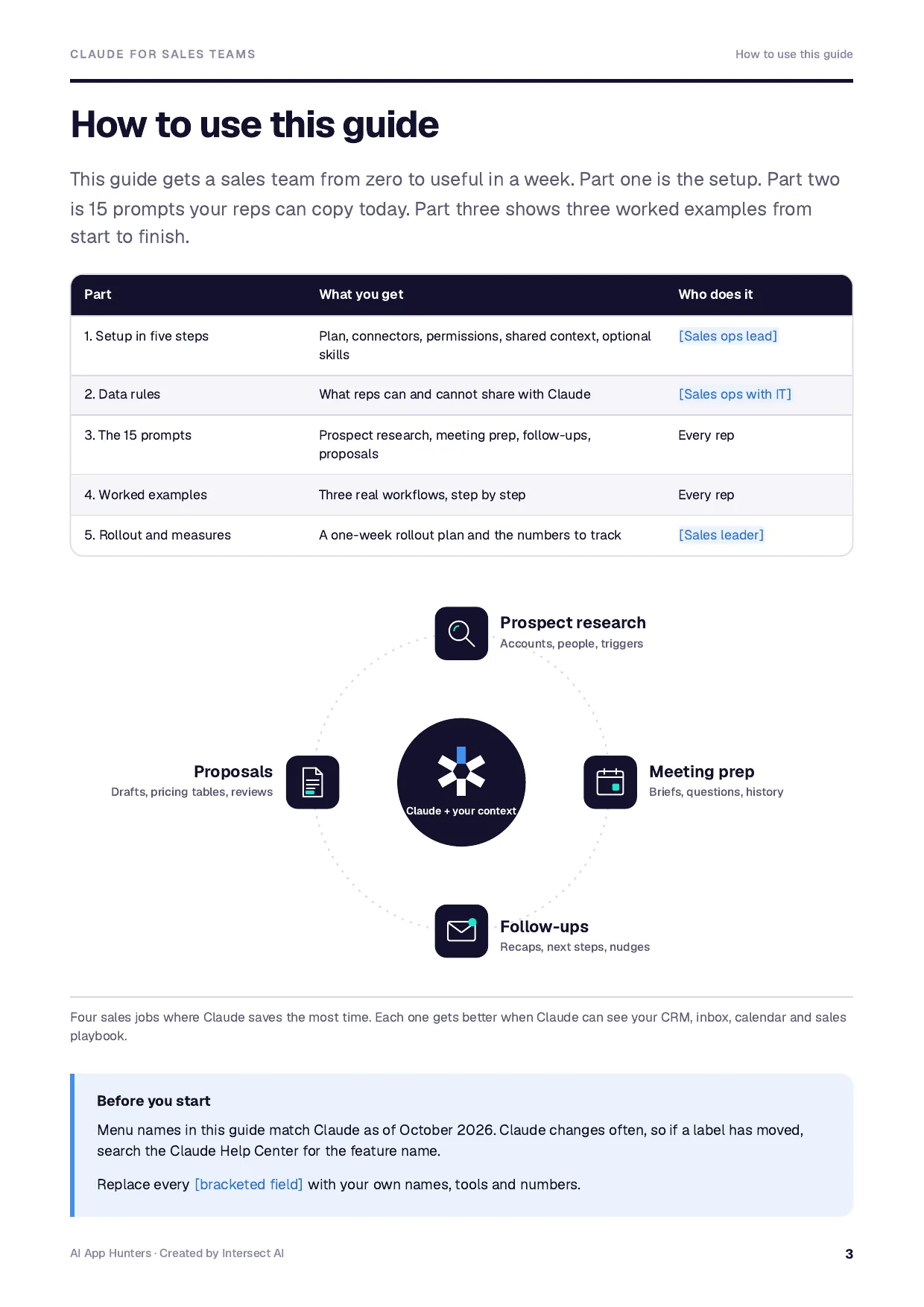
Prospect research, meeting prep, follow-ups and proposals. Copy them below.
04
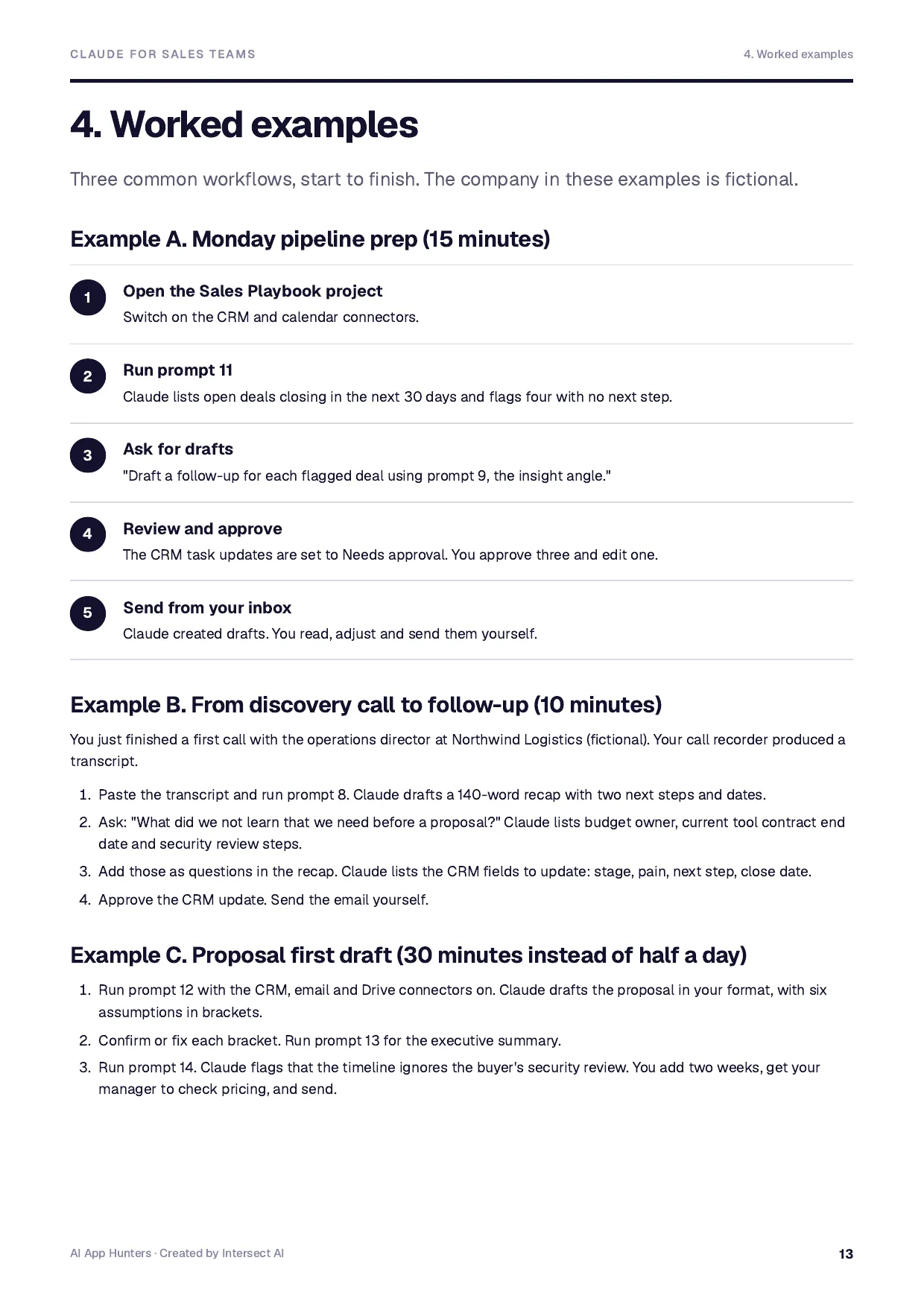
Worked examples
Monday pipeline prep, call to follow-up, and a proposal first draft.
05
Rollout and measures
A one-week rollout, the numbers to track and a checklist.
You also get
Setup in five steps: plan, connectors, permissions, project, skills
Custom connectors with remote MCP
Permission settings that keep reps in control
Sales Playbook project instructions to paste
Data rules for sales teams
15 prompts for research, prep, follow-ups and proposals
Three worked examples, step by step
One-week rollout plan and measures
Who it's for
Made for sales leaders, sales ops and account executives. A designed PDF to read and share, plus an editable Word version. Step-by-step setup, prompts to copy and worked examples, with [bracketed fields] to fill in.
Free download
No sign-up needed. PDF to read, Word to edit and make yours.
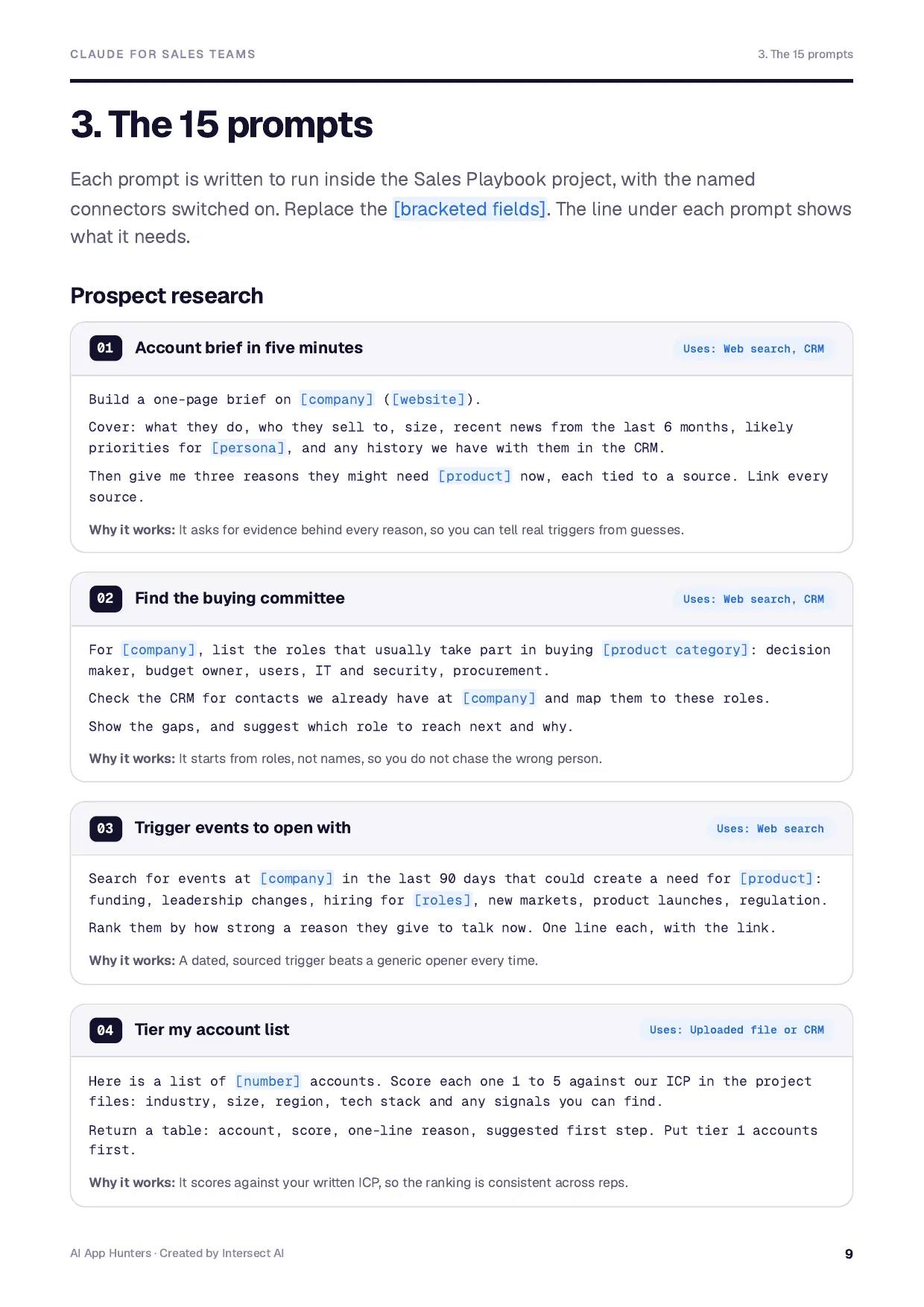
Run them inside your shared Sales Playbook project with the listed connectors switched on. Replace the [bracketed fields]. The full setup is in the guide.
Prospect research
01 · Uses: Web search, CRM
Account brief in five minutes
Build a one-page brief on [company] ([website]).
Cover: what they do, who they sell to, size, recent news from the last 6 months, likely priorities for [persona], and any history we have with them in the CRM.
Then give me three reasons they might need [product] now, each tied to a source. Link every source.
Why it works: It asks for evidence behind every reason, so you can tell real triggers from guesses.
02 · Uses: Web search, CRM
Find the buying committee
For [company], list the roles that usually take part in buying [product category]: decision maker, budget owner, users, IT and security, procurement.
Check the CRM for contacts we already have at [company] and map them to these roles.
Show the gaps, and suggest which role to reach next and why.
Why it works: It starts from roles, not names, so you do not chase the wrong person.
03 · Uses: Web search
Trigger events to open with
Search for events at [company] in the last 90 days that could create a need for [product]: funding, leadership changes, hiring for [roles], new markets, product launches, regulation.
Rank them by how strong a reason they give to talk now. One line each, with the link.
Why it works: A dated, sourced trigger beats a generic opener every time.
04 · Uses: Uploaded file or CRM
Tier my account list
Here is a list of [number] accounts. Score each one 1 to 5 against our ICP in the project files: industry, size, region, tech stack and any signals you can find.
Return a table: account, score, one-line reason, suggested first step. Put tier 1 accounts first.
Why it works: It scores against your written ICP, so the ranking is consistent across reps.
Meeting prep
05 · Uses: Calendar, CRM, email
Pre-call brief from calendar and CRM
Prepare me for my meeting with [company] on [date].
Pull the attendees from my calendar, their roles, our last three interactions from email and the CRM, the deal stage and open next steps.
Give me: the goal for this call, five questions to ask, likely objections with a short answer for each, and what a good outcome looks like.
Why it works: It combines three sources you would otherwise open one by one.
06 · Uses: Project files
Discovery questions for this persona
I am meeting a [persona] at a [industry] company with about [size] employees.
Write 10 discovery questions, ordered from broad to specific, that uncover pain, impact, current process, decision process and timeline.
Mark the three I must not skip.
Why it works: Ordered questions keep a first call natural instead of an interrogation.
07 · Uses: Project files
Objection rehearsal
Play a sceptical [persona] at [company]. Raise the objections they are most likely to have about [product], one at a time.
After each of my answers, score it 1 to 5 and show a stronger version using our approved proof points only.
Why it works: Practice with feedback, using only claims you are allowed to make.
Follow-ups
08 · Uses: Call notes or transcript, CRM
Call recap email
Here are my notes from today's call with [name] at [company]: [paste notes or transcript].
Draft a recap email: thank them, summarise what we heard in their words, confirm the agreed next steps with owners and dates, and attach nothing.
Keep it under 150 words. Then list the CRM fields I should update.
Why it works: A short recap in the buyer's words builds trust, and the CRM update is not forgotten.
09 · Uses: CRM, email
Re-engage a quiet deal
The deal with [company] has been quiet for [number] weeks. Read our email thread and CRM notes.
Draft three short follow-ups with different angles: a useful insight, a direct question, and a polite close-the-loop.
Each under 80 words. No guilt, no "just checking in".
Why it works: Three angles let the rep pick the one that fits the relationship.
10 · Uses: CRM, email
Multi-thread the deal
We are single-threaded with [contact] at [company]. Based on the CRM and our emails, suggest two other people to bring in and why.
Draft a short note [contact] could forward internally, and a direct intro email to each new person.
Why it works: It makes it easy for your champion to help you.
11 · Uses: CRM
Weekly pipeline next steps
List my open deals in [stage or stages] with close dates in the next [30] days.
For each: last activity, the next step on record, and whether that step is overdue.
Flag deals with no next step or no activity in 14 days, and suggest one concrete action for each.
Why it works: Turns Monday pipeline review into a to-do list.
Proposals
12 · Uses: CRM, docs, project files
Proposal first draft
Draft a proposal for [company] using our proposal format in the project files.
Use their goals and pains from the CRM notes and email thread, in their words.
Include: situation, goals, proposed solution, scope, timeline, pricing table using our pricing rules, and next steps.
Mark every assumption in [brackets] for me to confirm.
Why it works: Brackets make every guess visible, so nothing unverified goes to the buyer.
13 · Uses: Draft proposal
Executive summary for the buyer's boss
Write a half-page executive summary of this proposal for [buyer's boss, title].
Lead with the business outcome and the cost of doing nothing. Then the plan, the investment and the decision we need.
No jargon. Five sentences maximum in the opening paragraph.
Why it works: Deals often stall above your contact. This gives them something to forward.
14 · Uses: Draft proposal
Red-team the proposal
Read this proposal as the buyer's procurement lead and as their CFO.
List the ten questions or objections each would raise, rank them by risk to the deal, and suggest how to answer or fix each one in the document.
Why it works: You find the weak spots before the buyer does.
15 · Uses: Docs (approved answers library)
Answer a security questionnaire
Here is a security questionnaire from [company]: [paste or attach].
Answer each question using only our approved answers in [folder or document].
Where there is no approved answer, write "Needs security team" instead of guessing. Return a table: question, answer, source.
Why it works: Speeds up the slowest part of late-stage deals without inventing answers.